A space of your own.
Private by design. Your conversations, files and memory in an environment you control, with a clear view of what stays there and what leaves.
Privacy begins with ownership.
Early development · Private web pilot
On your infrastructure.
I'm building Radhouse around one private web conversation with your assistant. Close the browser, come back later and pick up where you left off.
Open the private web app and ask your assistant a question. One conversation, with room to think.
Your message and the assistant's reply stay together, ready for you to pick up again.
Close the browser. Your earlier messages and the assistant's context are kept.
Sign in again when needed and continue where you left off, with the same assistant and earlier context.
An interactive illustration. No message is sent.
What I'm building toward
A private, always-on agent that gets to know you, carries useful work forward and lives on infrastructure you control.
Personal agents like Grok Bot, Meta's Muse and OpenAI's Dots point toward this kind of relationship with AI. Radhouse is my open-source take on that idea, built around security, privacy and explicit boundaries.
Private by design. Your conversations, files and memory in an environment you control, with a clear view of what stays there and what leaves.
Privacy begins with ownership.A separate space for the agent, with limits on files, tools and network access enforced outside its prompts. Clear approval for consequential actions. Permissions you can inspect and revoke.
Security is part of the design.Open-source code to inspect, run and adapt. Room to choose models and tools, understand how they connect and shape an agent around your life.
Built in the openThe ambition: useful work can continue while you step away, within the access you've chosen. These are the principles guiding the build.
A smaller beginning
I'm starting with one assistant and one private web conversation you can return to. Everyday use will help decide what deserves to grow from there.
The build, as it stands
A conversation that stays with you, files you can return to and a browser you can use together. Built around one Hermes assistant in your own space.
Ask about an attached PDF or document, then follow up. Saved originals remain available for the assistant to read the parts it needs, with source references, instead of putting the whole file into every prompt.
Library keeps your shared files close. Browser opens on demand: watch the assistant, take the controls, then return them when its reply has finished. Saved logins stay in the private browser's credential vault, with explicit save and remove controls.
This is a private pilot, with each new capability checked before activation. Scanned-document OCR, audio transcription, streamed reply text and a reliable Stop action still need qualification. Hosting Radhouse and choosing a model are separate decisions: data sent to a connected model follows that provider's handling.
Read the pilot build Follow the latest workNow in the private pilot
Open a browser beside your conversation, even before your first message. It's the same session your assistant uses, so you can see the page and pick up the controls when you need to.
Navigate yourself, fill a form or sign in. Return control when the assistant has finished its reply. Share a page into the conversation when you want to talk about it.
Open when you need it. Close when you are done. Hiding the view keeps the browser open; Close ends the session.
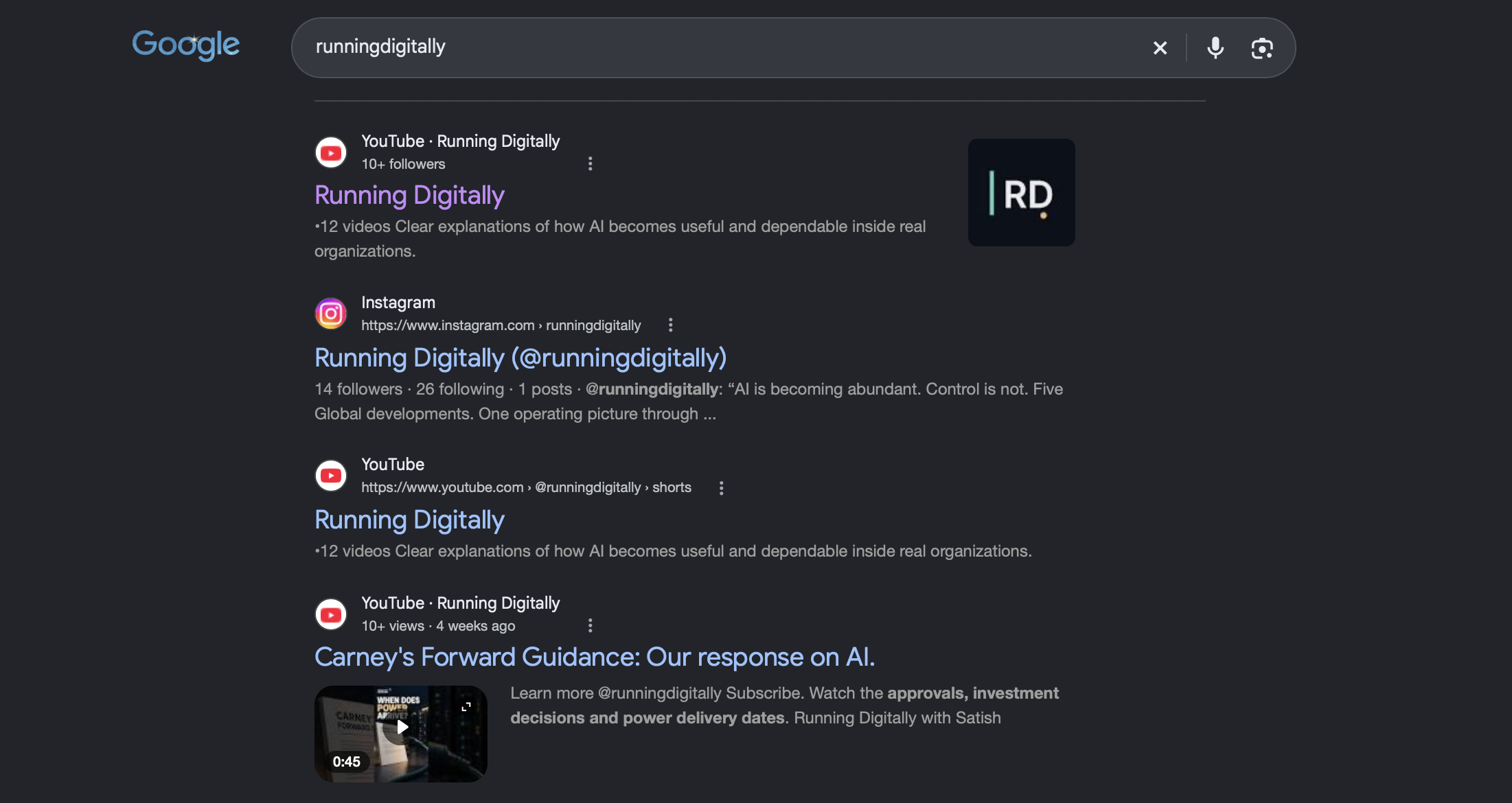
Google search for Running Digitally. Hide/Show controls this preview.
Make it yours
Know what your assistant remembers. Choose how you work. Explore a character that makes the space feel like yours.
In the private pilot
Read the notes your assistant has saved about you and its ongoing memory. See the saved context in one place; editing those notes comes later.
Open a shell when you need it. Choose whether to include a short excerpt in your next message. Terminal context starts off; you decide when to share it.
Pick from the models offered by your connected engine. Thinking choices appear only when supported. Each choice belongs to that message.
Available in the private pilot since 8 October. Choices depend on your connected model engine. Follow the release
Visuals · Design preview
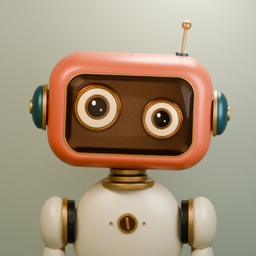
Three worlds to explore. One assistant to make your own.









Built in the open
What would you want an agent to remember, take care of or ask you before doing? Those are the questions I want to build around.
If you're exploring the same questions, follow the build or bring an idea to the repository.
Explore the current build Share an idea